
Scheduling
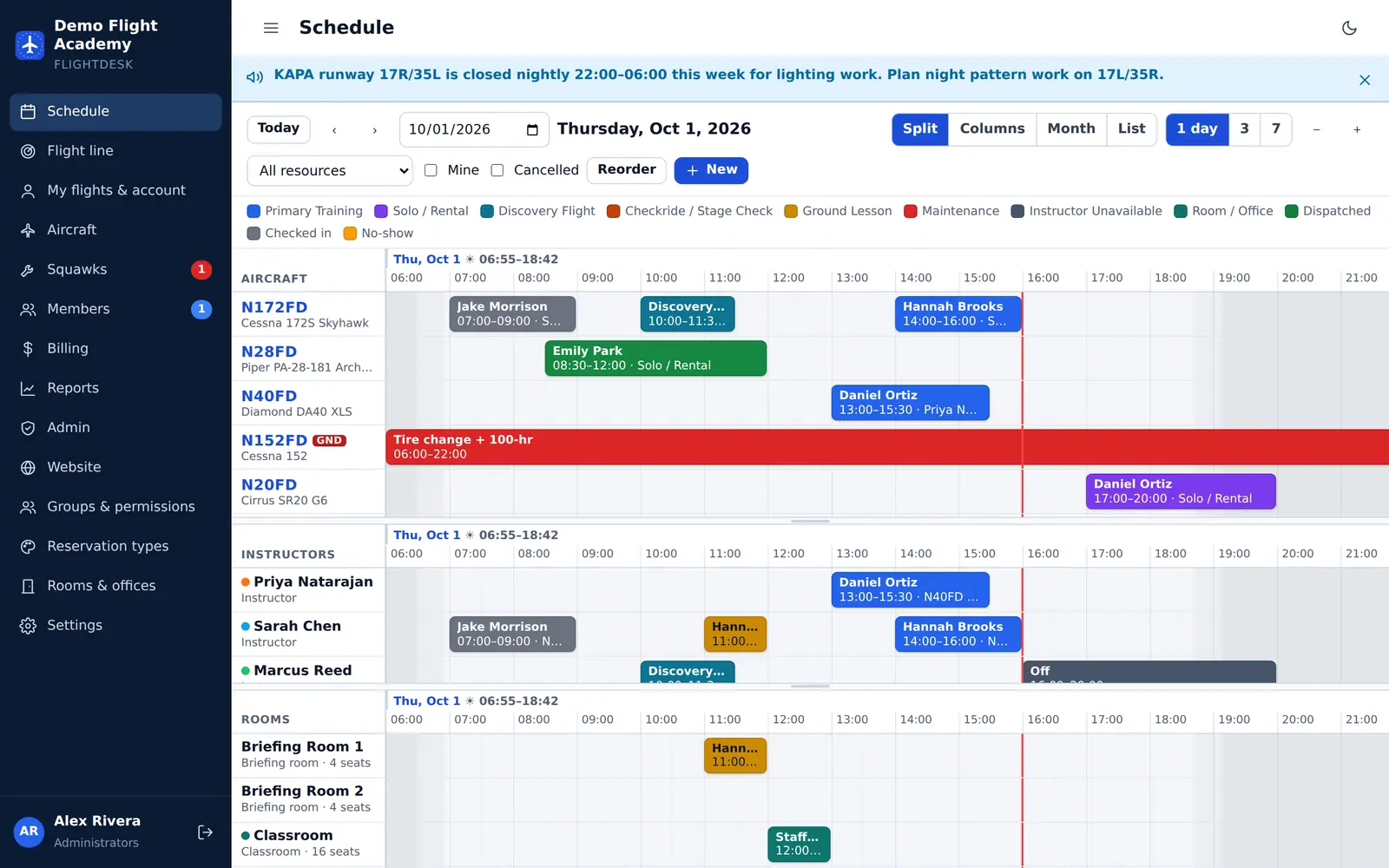
Aircraft, instructors and rooms on one timeline. Drag to book, move or resize — double-bookings simply can’t happen.
For flight schools & flying clubs
Book aircraft, instructors and rooms. Dispatch with every currency and airworthiness check done for you. Bill straight from the Hobbs — and publish your school’s website from the same place.
No sign-up for the demo — you get your own private copy of a sample school.
Everything in one place
One login for students, renters, instructors, dispatchers, mechanics and owners — each seeing exactly what they need.
Aircraft, instructors and rooms on one timeline. Drag to book, move or resize — double-bookings simply can’t happen.
Medical, flight review, solo endorsement, checkout, inspections and squawks are checked before the prop turns.
Hobbs or tach in, charges out. Aircraft time and instruction post to the member’s account with a receipt.
Squawks with a verification workflow and inspections by date or tach. Grounded aircraft can’t be dispatched.
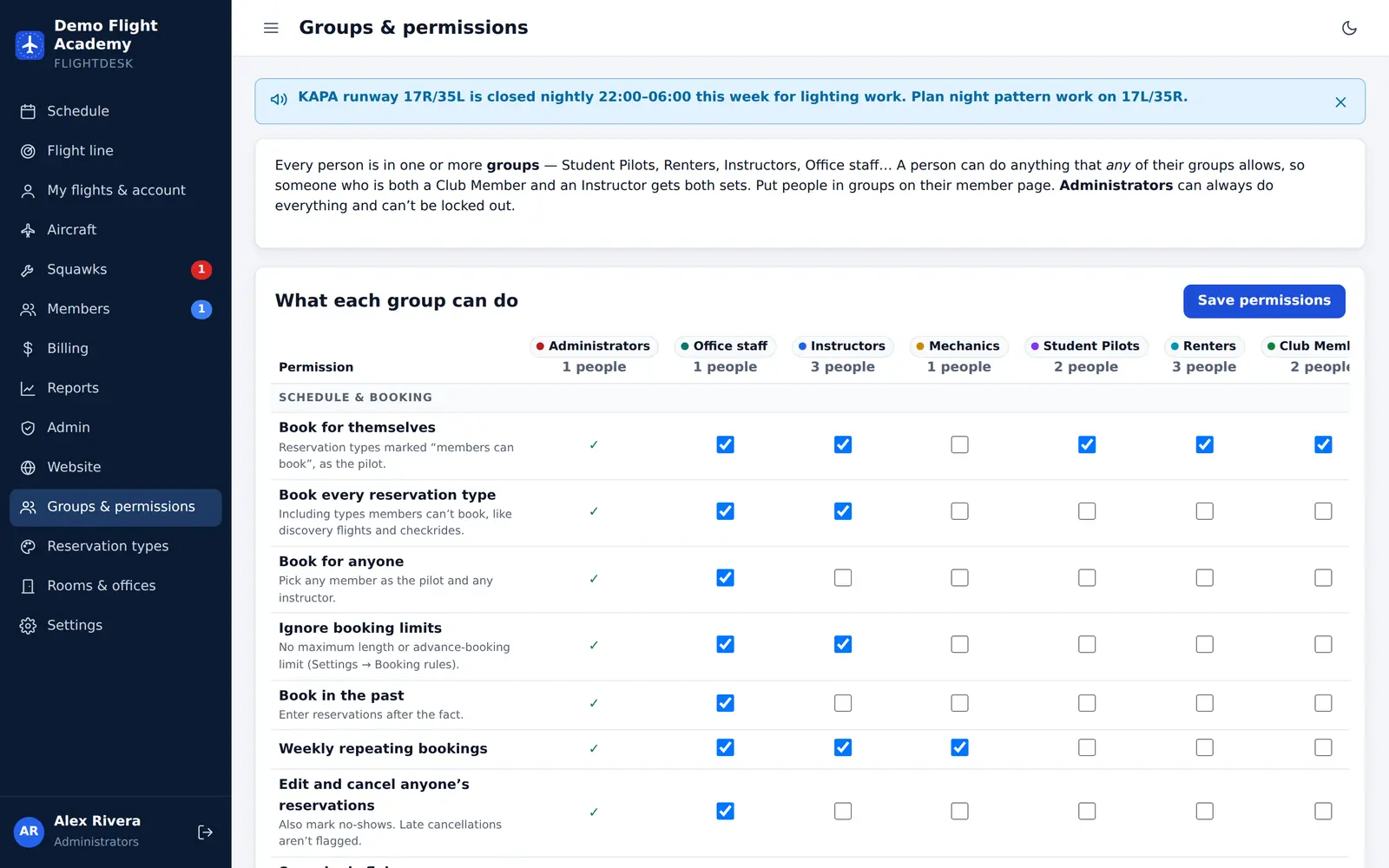
Students, renters, club members, staff — or your own groups. Decide exactly who can book, dispatch or bill.
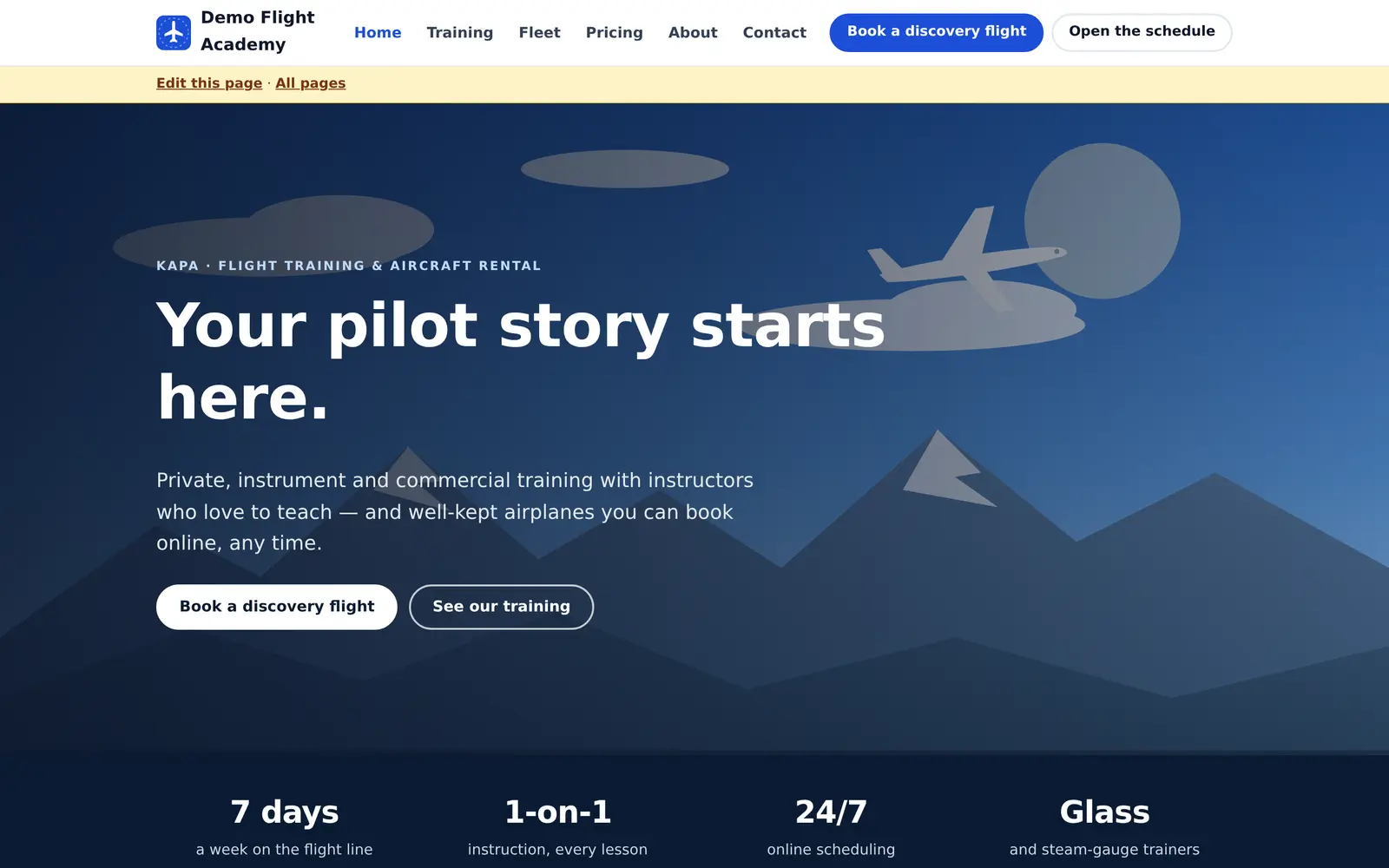
A modern website with discovery-flight and contact forms that land in your inbox. No separate web designer.
Today’s flights, the flight line and the METAR on a lobby screen — with a read-only link, not a staff login.
Owners see their aircraft’s flights, hours and revenue every month, and can book it for maintenance.
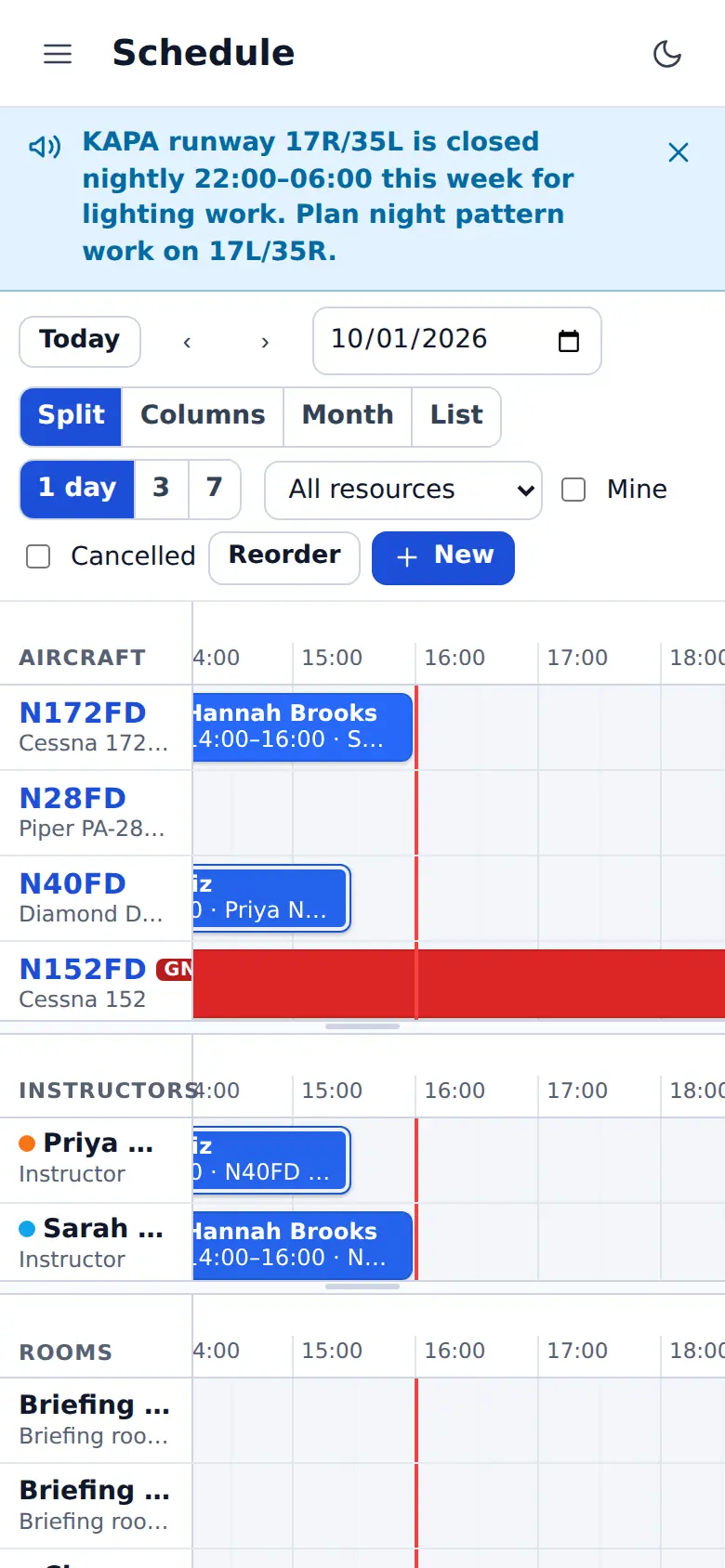
Book, dispatch and check in from a phone. Calendar feeds keep every booking in Google, Apple or Outlook.
Take the tour
Aircraft, instructors and rooms stacked on one timeline, with sunrise, sunset and civil twilight shaded in. Click a tail number for the aircraft’s status, inspections and open squawks.
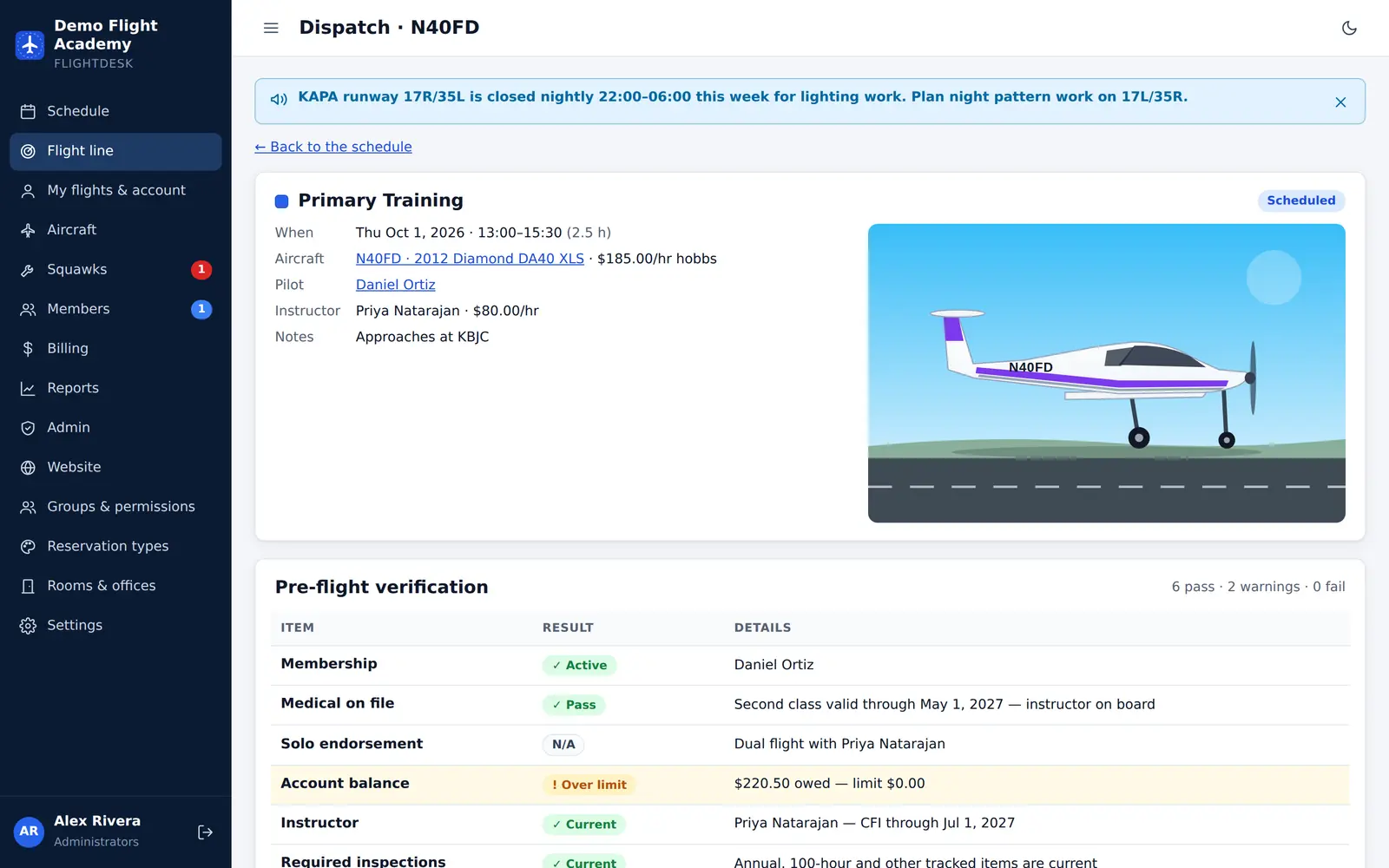
Every dispatch shows a clear pass, warn or fail for the pilot, the instructor and the aircraft. You choose which checks block a flight and which only warn.
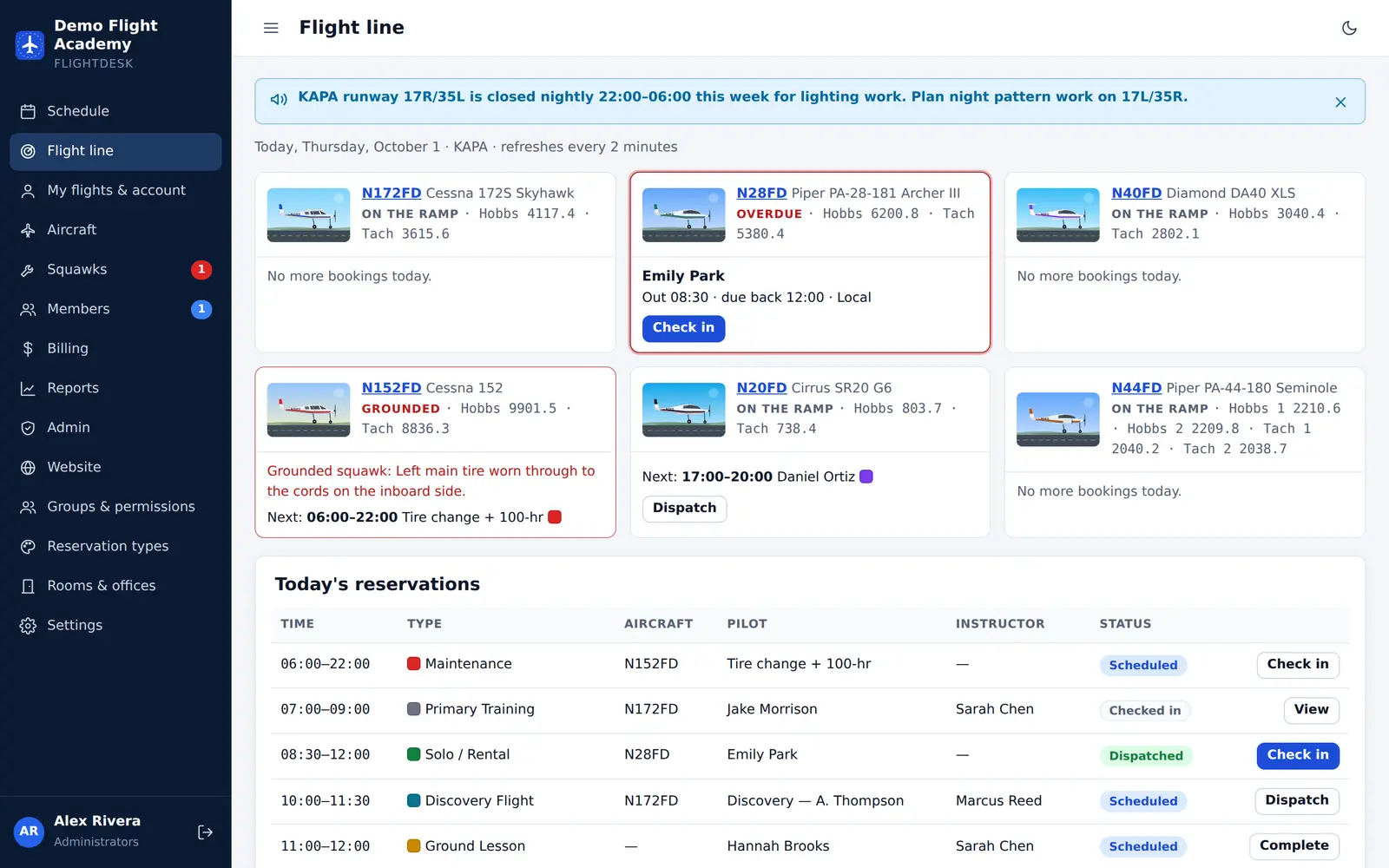
A live board of every aircraft: on the ramp, flying, overdue or grounded — with one-tap dispatch and check-in.
Every member’s account in one list: flights, instruction, dues, payments and credits. Roll monthly dues in one click.
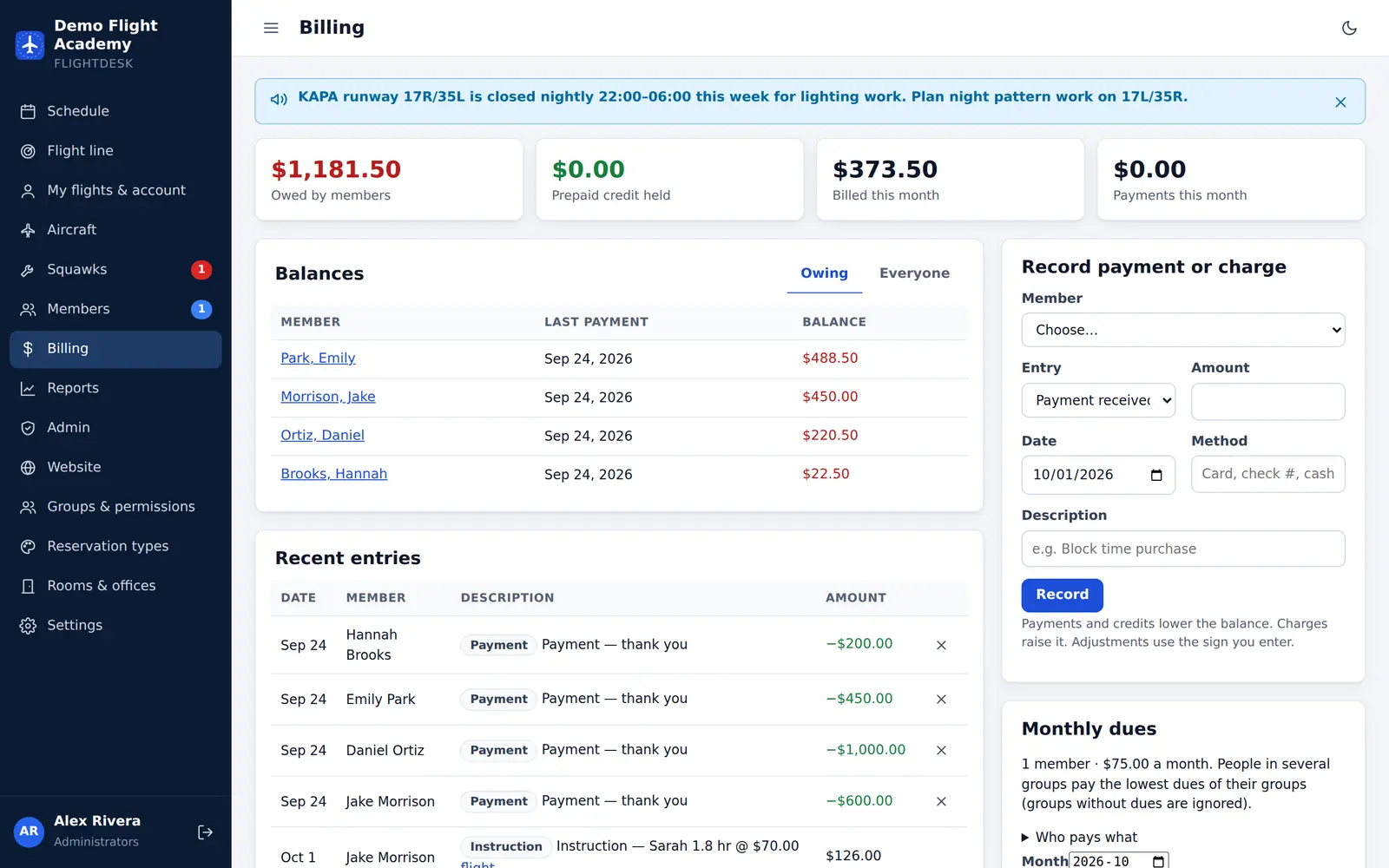
Times, inspections, squawks, checkouts and photos for each aircraft. Overdue inspections ground the aircraft automatically.
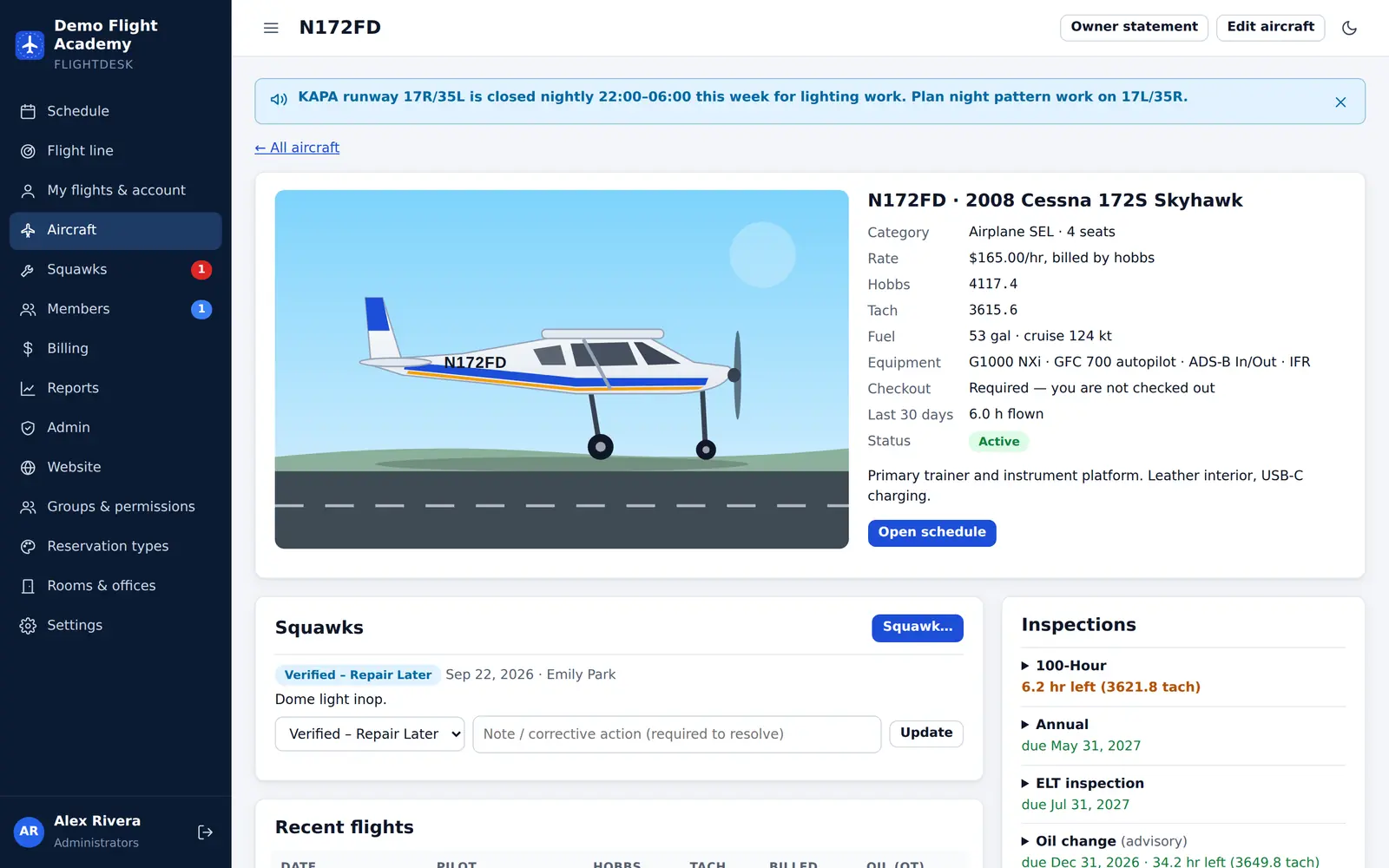
Build pages from blocks — pricing, your live fleet, FAQs, team — and get discovery-flight requests straight into FlightDesk.
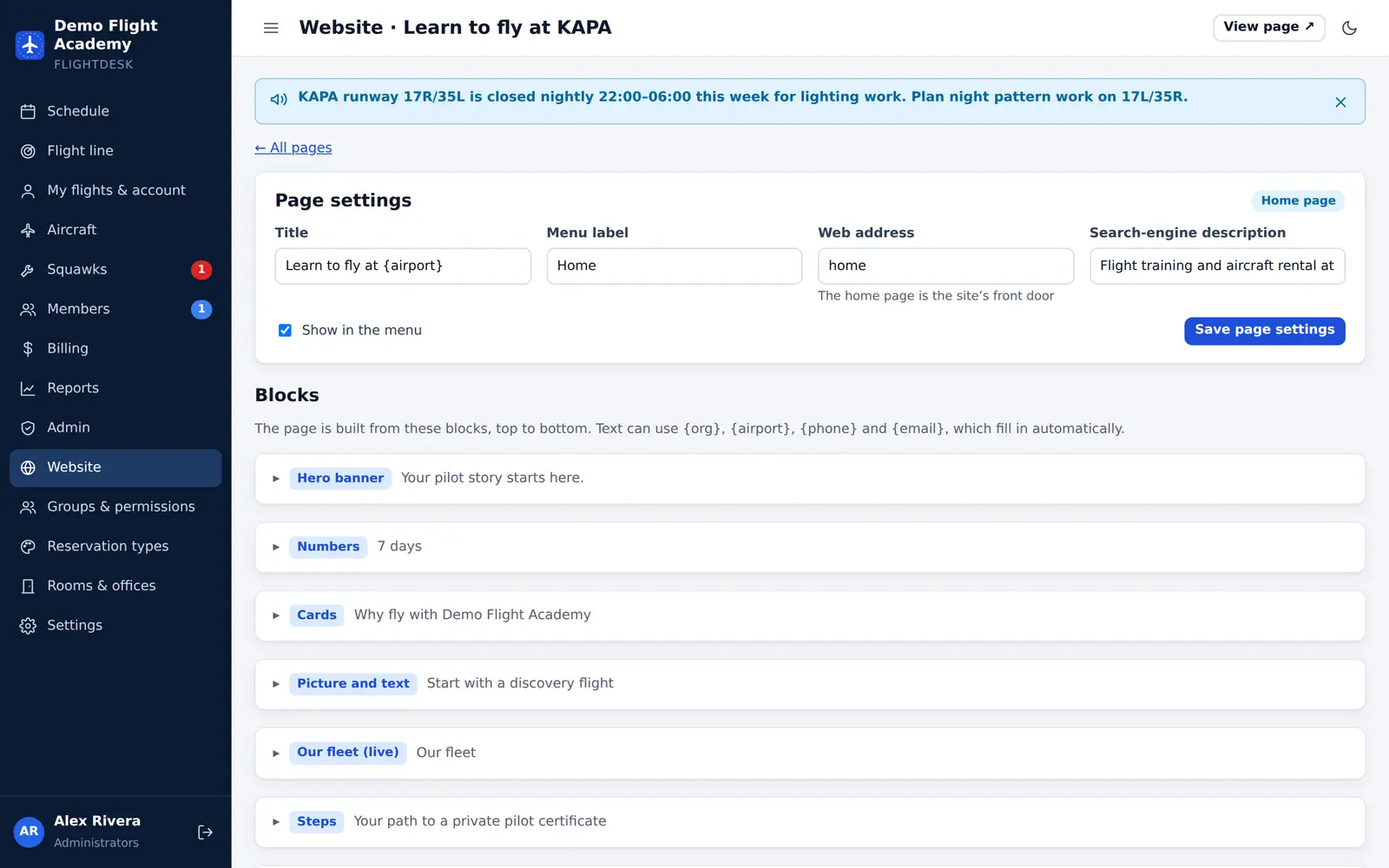
Safer dispatch
Dispatch shouldn’t depend on someone remembering to look at a medical certificate. FlightDesk checks the pilot, the instructor and the aircraft every time — and records who overrode what, and why.
Billing
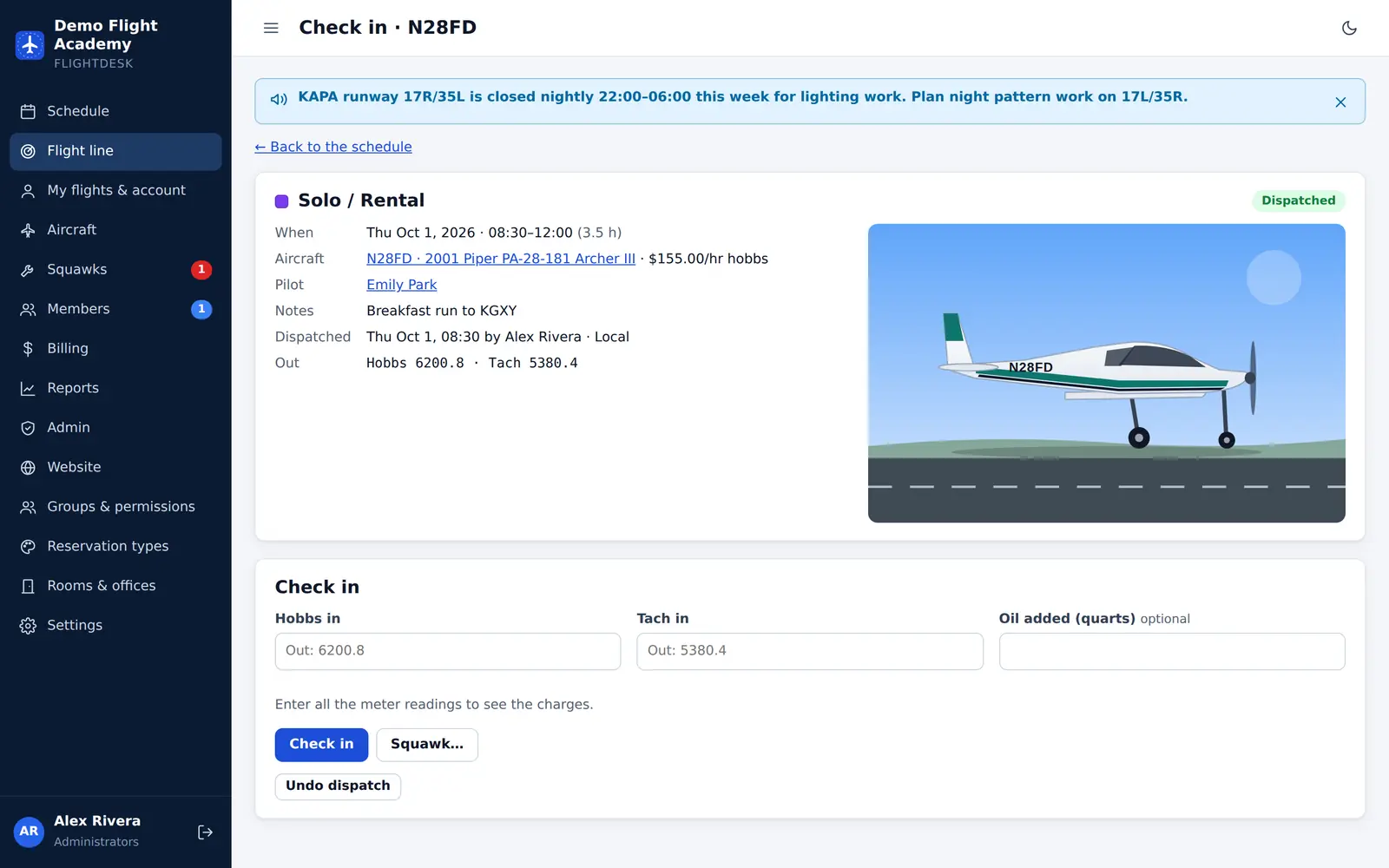
Check-in reads the Hobbs and tach, applies the rate locked in when the flight left, adds instruction at the instructor’s rate and posts it all to the member’s account.
Why FlightDesk
Getting started
A 30-minute video call. Tell us how your school runs today and see FlightDesk set up for a school like yours.
Your own private FlightDesk, hosted by Aeropict Aviation LLC, with your aircraft, rates, groups and dispatch rules.
Invite members by email, or let them request membership from your website — approve them and they’re in.
Start dispatch checks on “warn”, switch them to “block” when everyone’s comfortable.
Questions
No. Aeropict Aviation LLC hosts FlightDesk for you. It runs in any modern browser on computers, tablets and phones, and each school gets its own private installation.
Yes. The live demo gives you a private copy of a sample school — pick a role and click around. Or book a walkthrough and we’ll show you.
Yes. Give club members self-dispatch, set monthly dues per group, and let members request to join from your website.
Not yet. FlightDesk keeps every member’s account — flights, instruction, dues and credits — and you record payments you take at the desk or through your existing processor.
Every school has its own installation and database. Passwords are stored with Argon2id, sign-in is protected against guessing, sessions expire, and every action is checked against the person’s permissions. See security.
From the blog
Guides
Most dispatch mistakes aren’t dramatic — an expired medical, a missed 100-hour, a squawk nobody verified. Here’s what to check every time, and why.
Release notes
A thorough security review of FlightDesk, and the changes it led to — from sign-in protection to how dispatch handles meter readings.
Release notes
FlightDesk 1.4 adds a website builder for your school and replaces fixed roles with groups and permissions you control.
Open the live demo in one click, or let us walk you through it.