
Private installation
Each school runs its own copy of FlightDesk with its own database — nothing is shared with other schools.
Features
Scheduling, dispatch, billing, maintenance, members and your website — designed together, so information is typed once and used everywhere.
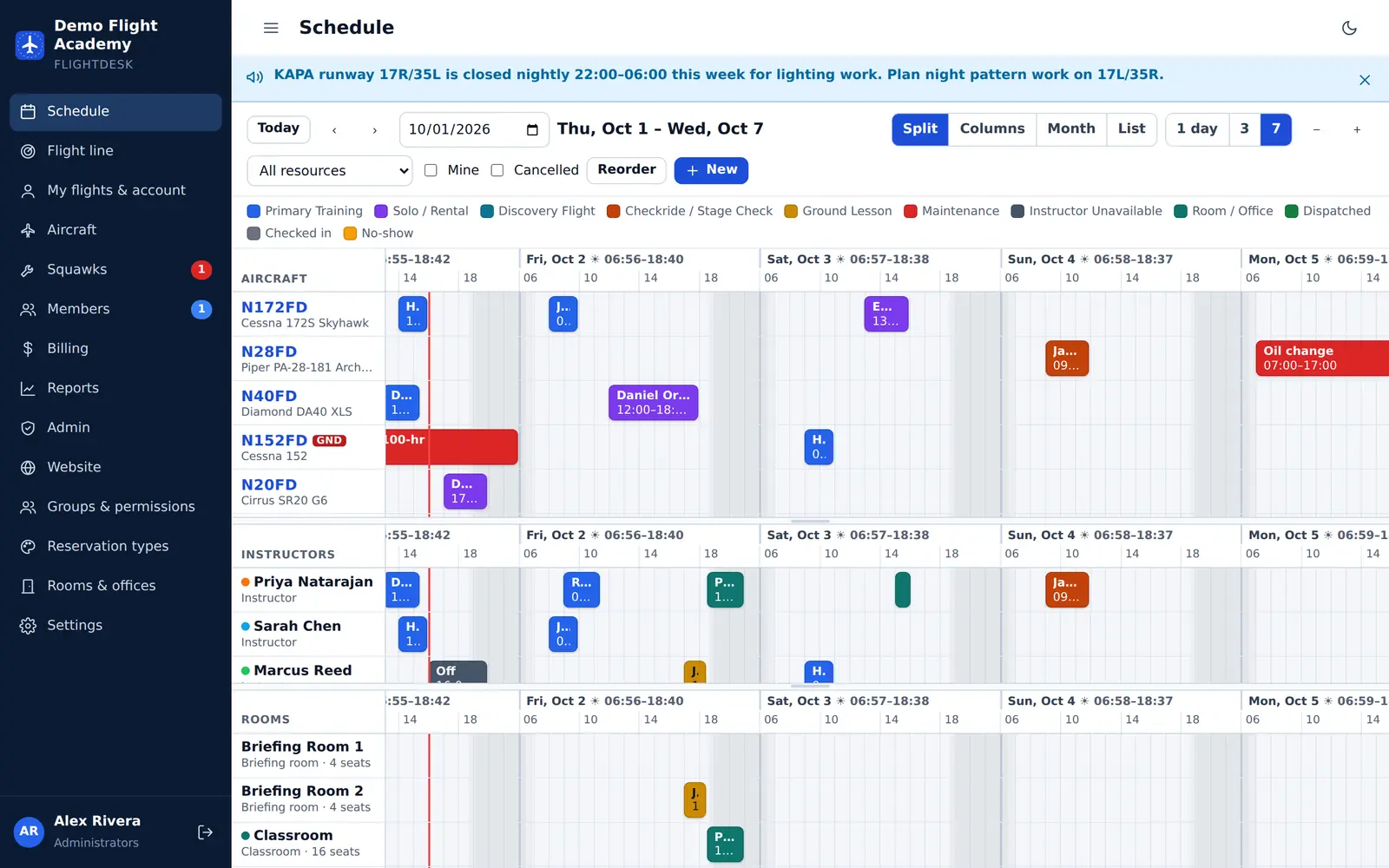
Scheduling
The split view stacks aircraft, instructors and rooms on one timeline, so a lesson shows up on the airplane, the instructor and the briefing room at once.
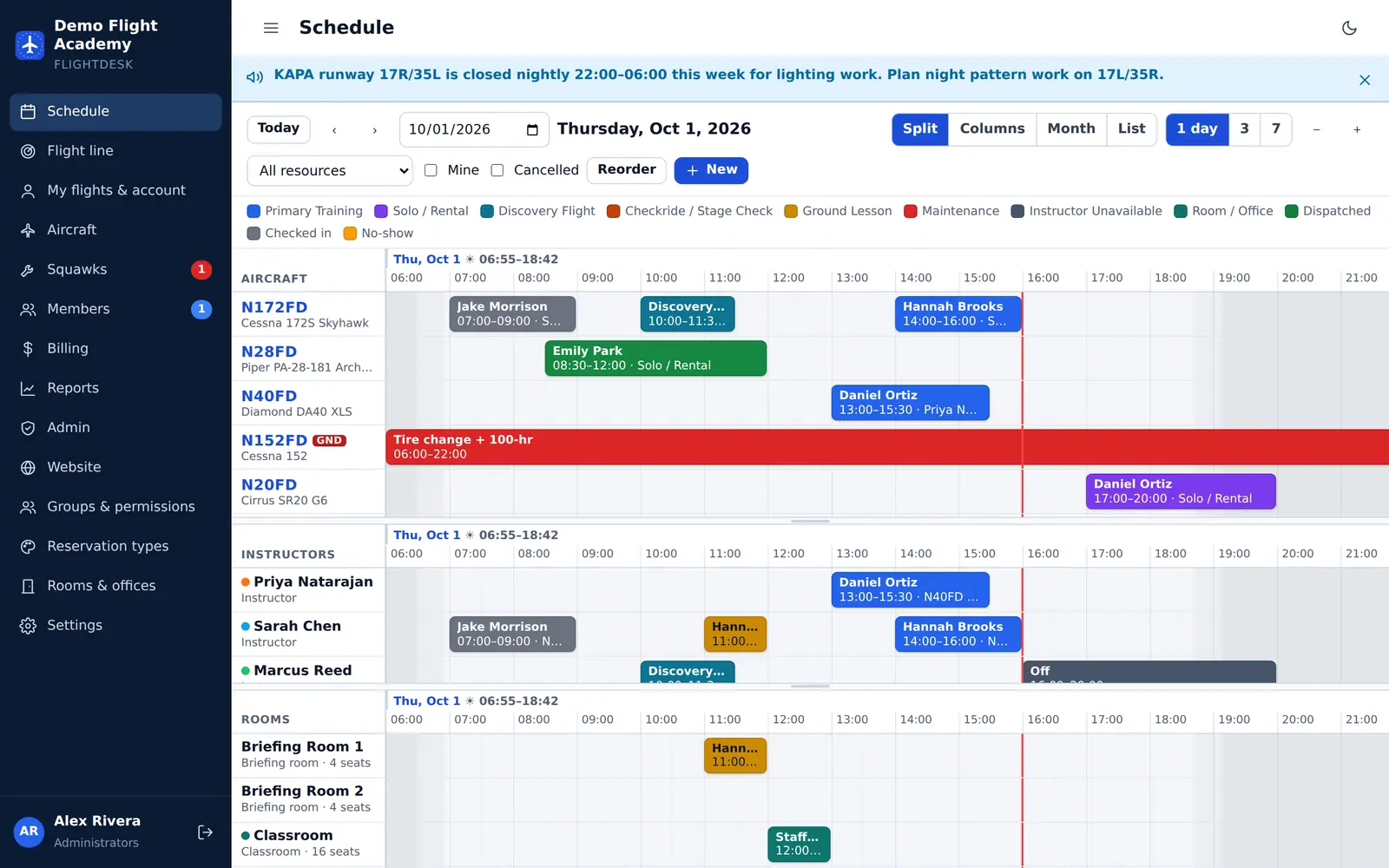
Dispatch
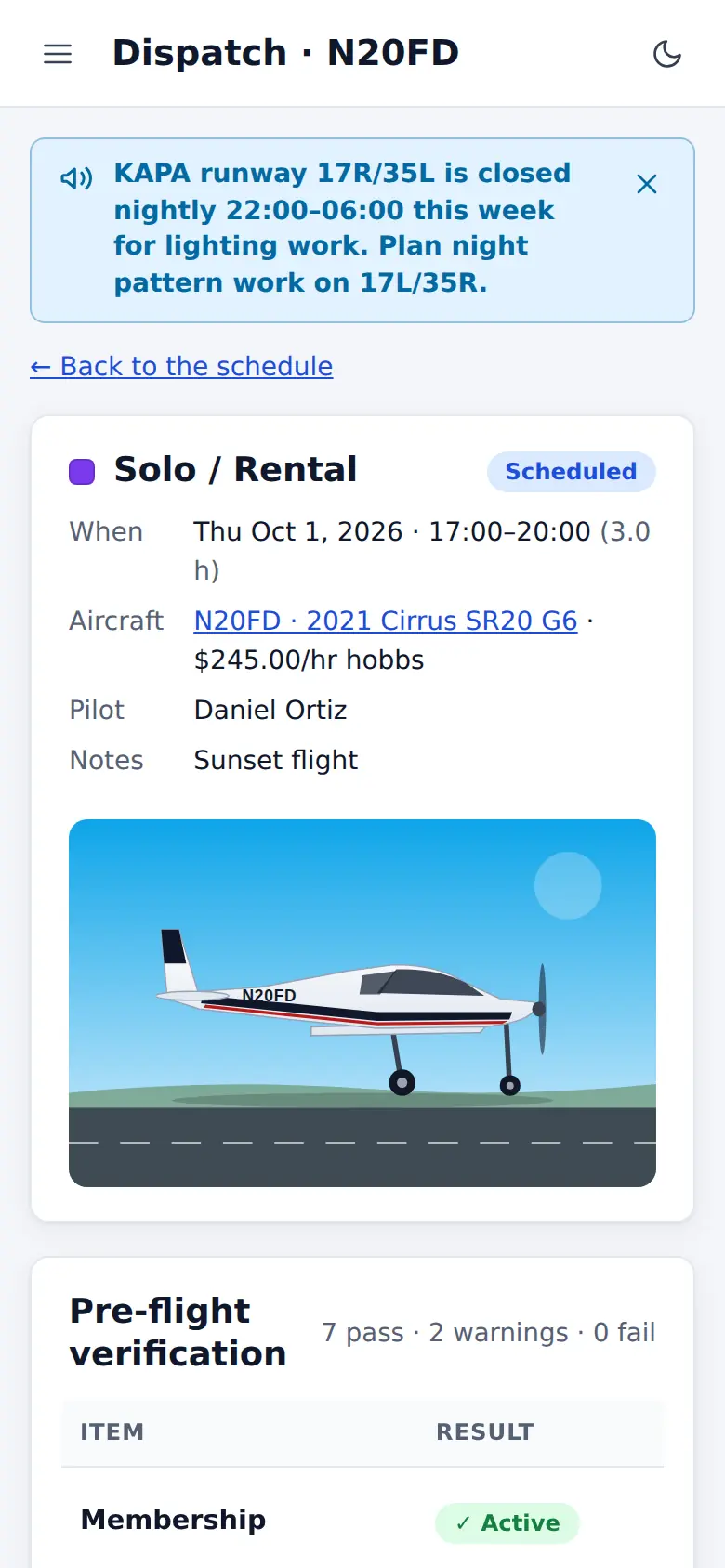
Each dispatch shows pass, warn or fail for twelve checks. Airworthiness problems always stop the flight; currency and balance checks follow the rules you set.
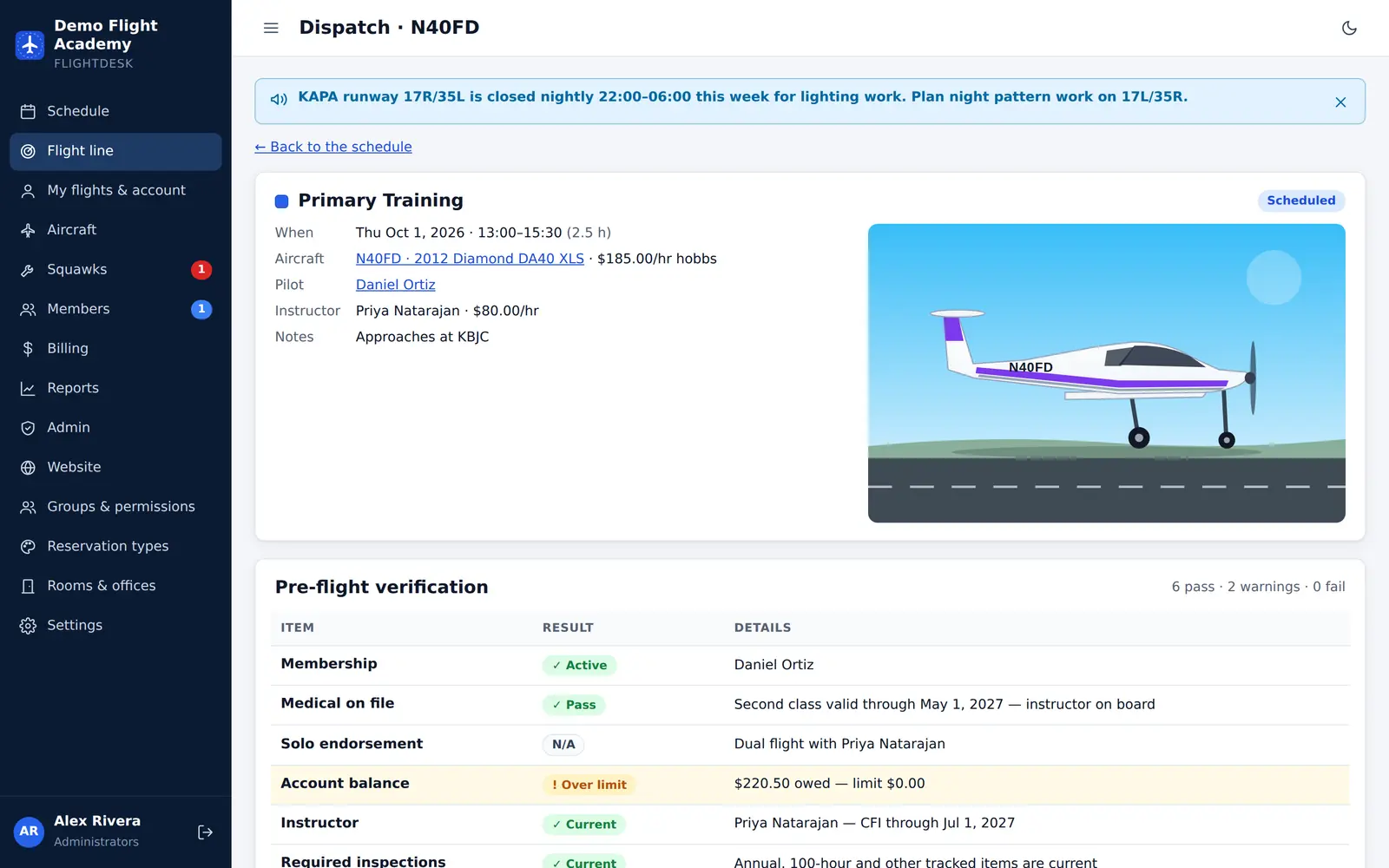
Check-in & billing
Pilots enter the Hobbs and tach in; FlightDesk works out the time, prices it at the rate locked in at dispatch and posts the charges.
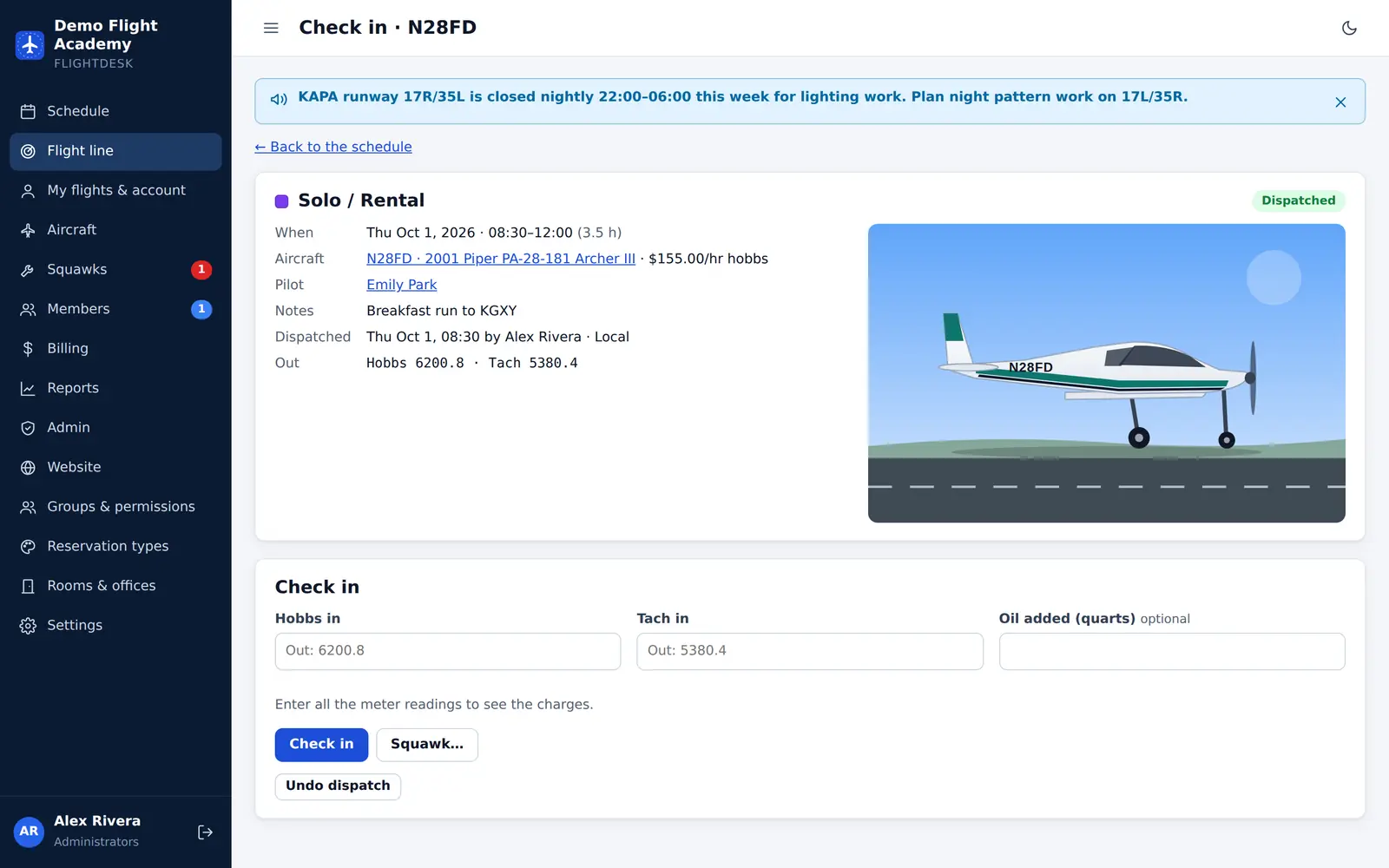
Maintenance
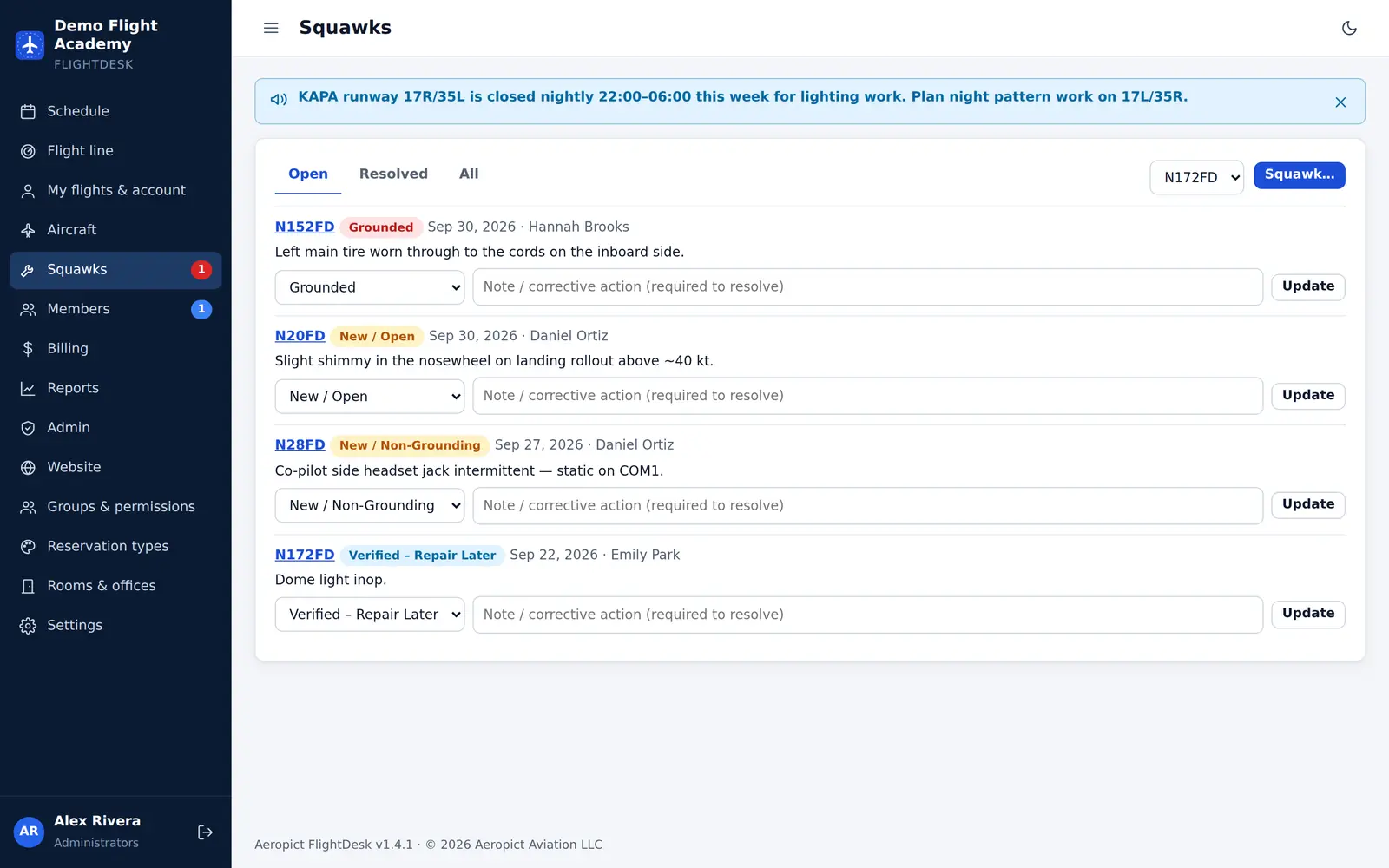
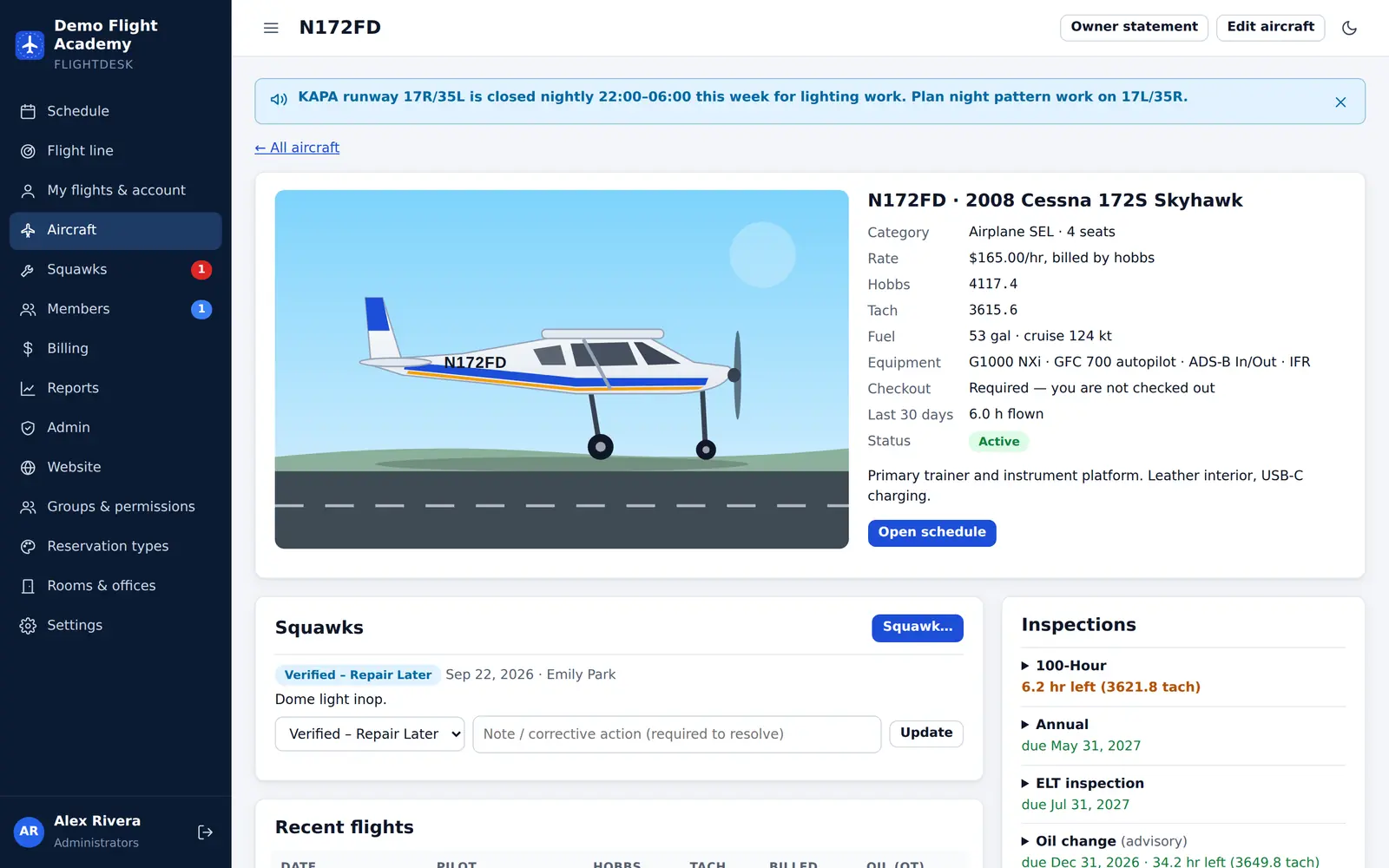
Anyone can report a squawk from the schedule, the aircraft page or check-in. Mechanics verify it, defer it or ground the aircraft — and dispatch follows.
Members
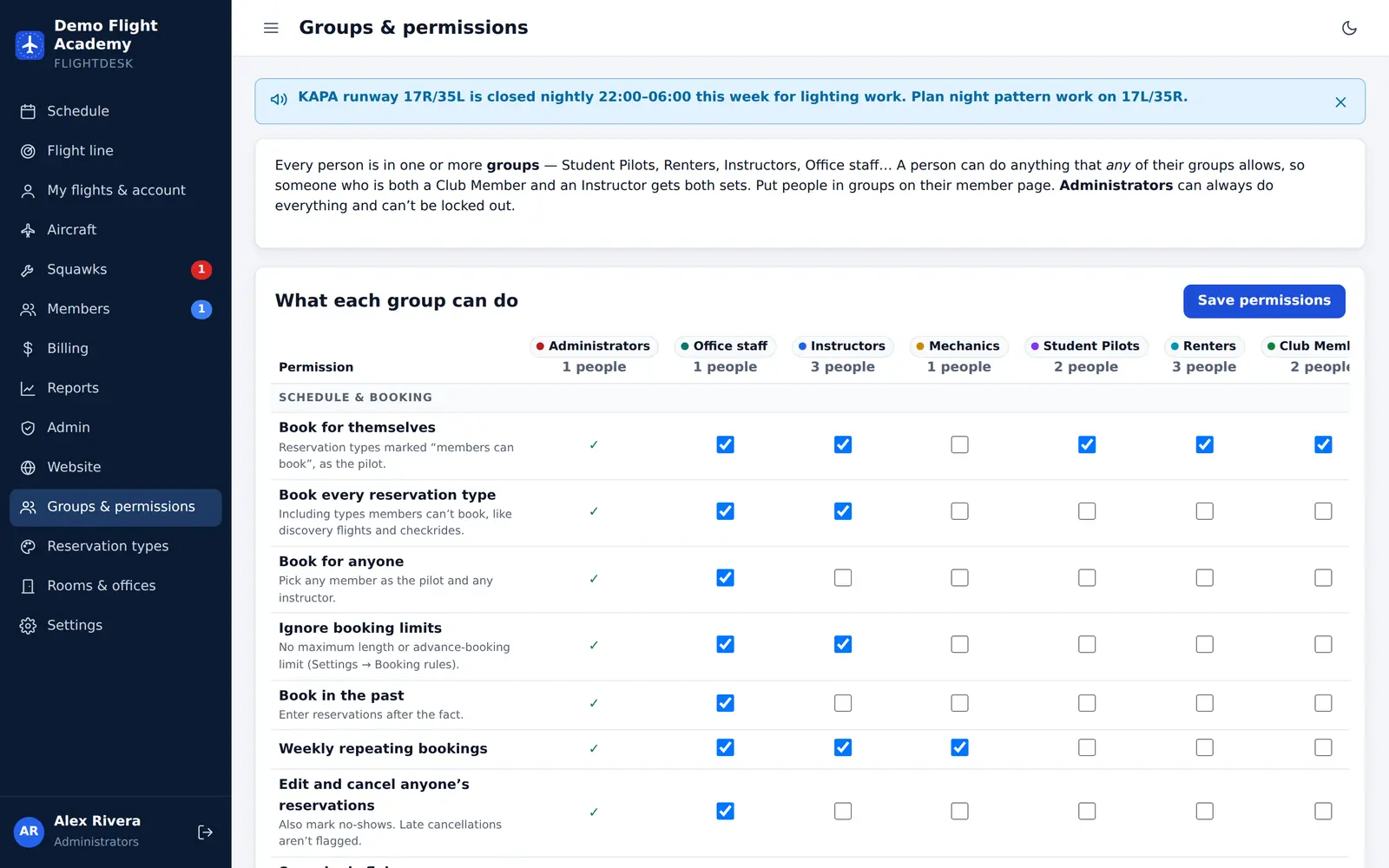
Make the groups you actually have — Student Pilots, Renters, Club Members, Instructors, Office Staff, Mechanics — and tick what each one may do.
Website
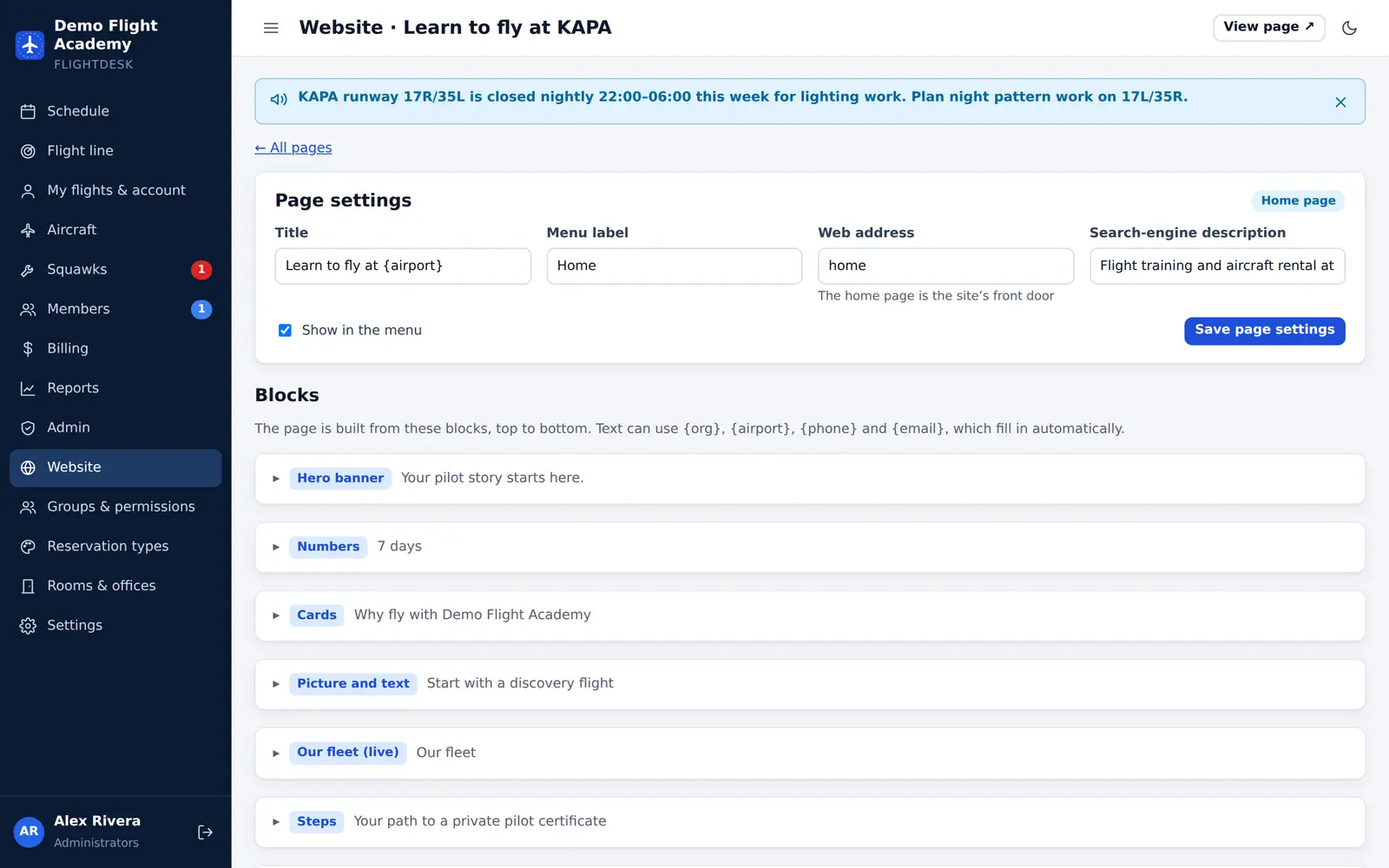
Your public website lives at your school’s address and is edited from FlightDesk. Your fleet block updates itself when aircraft come and go.
Lobby TV
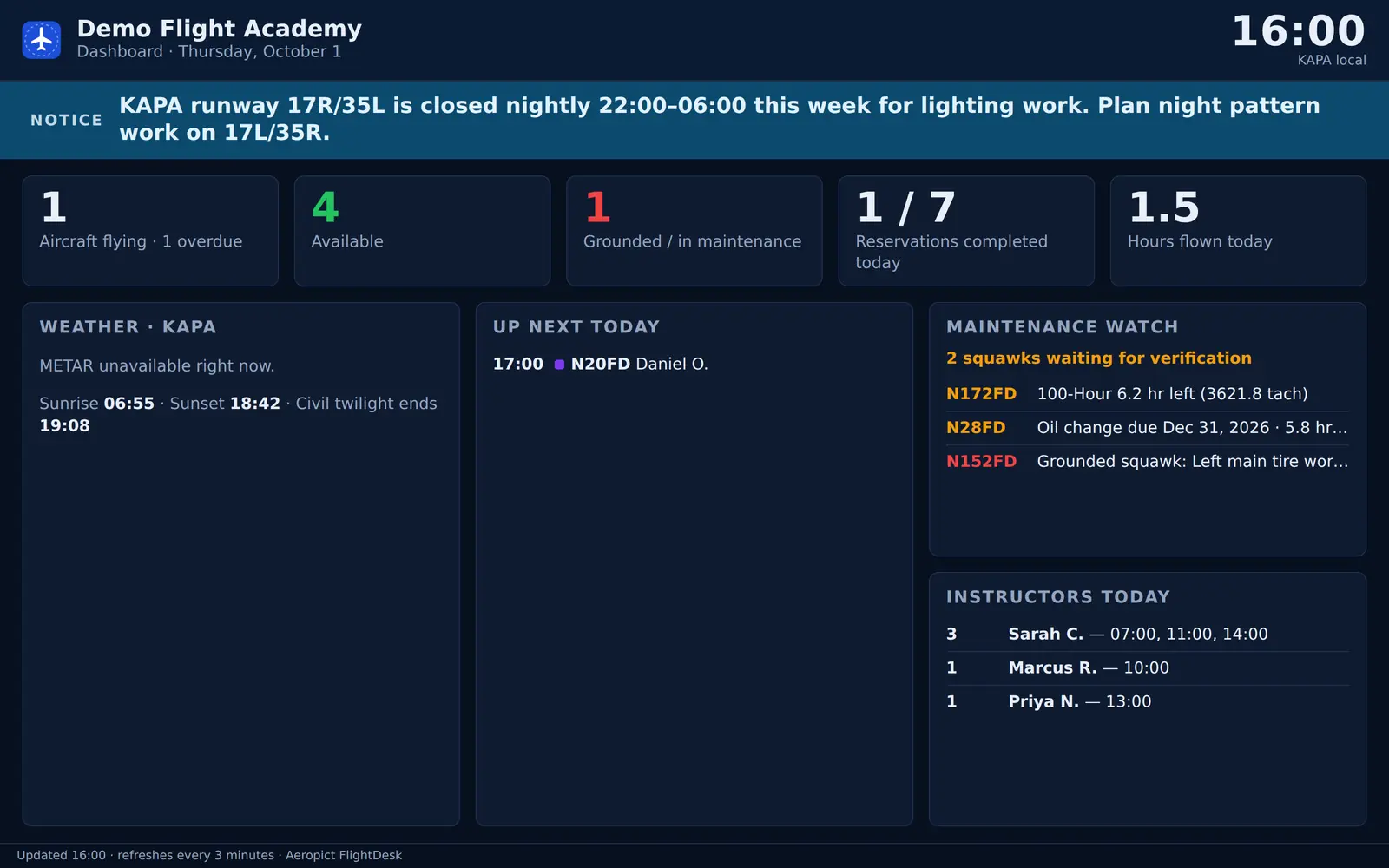
Put today’s schedule, the flight line or a dashboard with the METAR on any screen. A read-only display link means no one has to stay signed in on the lobby PC.
Leaseback owners
Add an owner to any aircraft. They keep a normal member account, plus a monthly statement for their airplane.
On the ramp
Pilots book, dispatch and check in from the ramp. Members see their bookings, balance and currency at a glance.
Security
Member records, medical dates and account balances deserve real protection. Here’s what FlightDesk does by default.
Each school runs its own copy of FlightDesk with its own database — nothing is shared with other schools.
Passwords are hashed with Argon2id plus a secret pepper, and common passwords are refused.
Repeated wrong passwords are slowed down per network and per account — without locking real members out.
Idle sessions sign out automatically, and changing a password signs out every other device.
Every action is checked on the server. Staff can’t manage anyone with more access than they have.
Dispatch overrides, meter gaps, voided check-ins and setting changes are logged with who and when.
Pick a role — school owner, instructor, student or mechanic — and explore a sample flight school.